Lymi for iPhone

Lymi for iPhone isn’t on the App Store in EU countries yet. It should be there in the coming weeks. Until then, email us to try it on TestFlight.
Lymi is now on iPhone. Sign in with your Lymi account or with Apple, and your decks and progress are there.
Review wherever you are
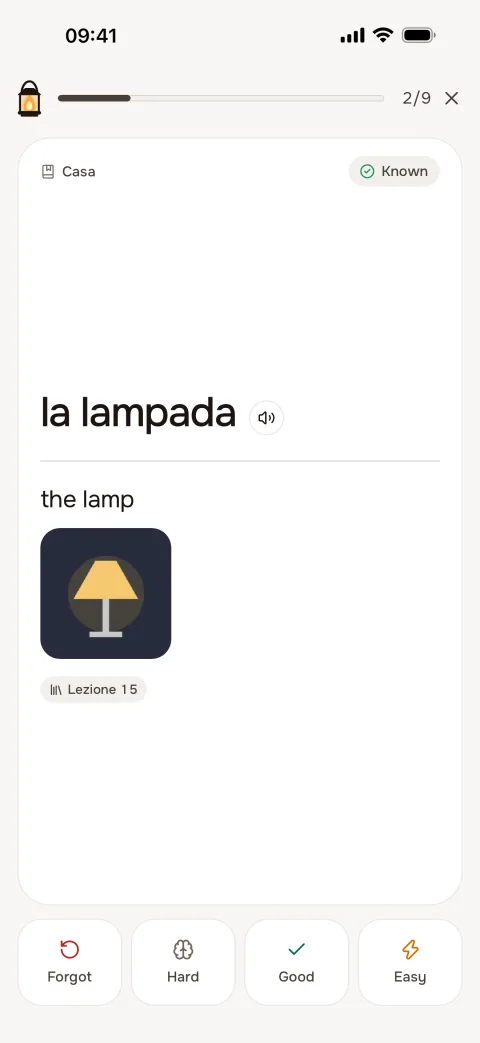
Open Today and choose Review. Recall the answer, reveal it, then grade how well you remembered: Forgot, Hard, Good or Easy. Lymi schedules each card from your grades, as it does on the web.
Without a connection, you can still review the cards already on your phone. Your grades sync when you’re back online.
Add a card, and Lymi fills in the rest
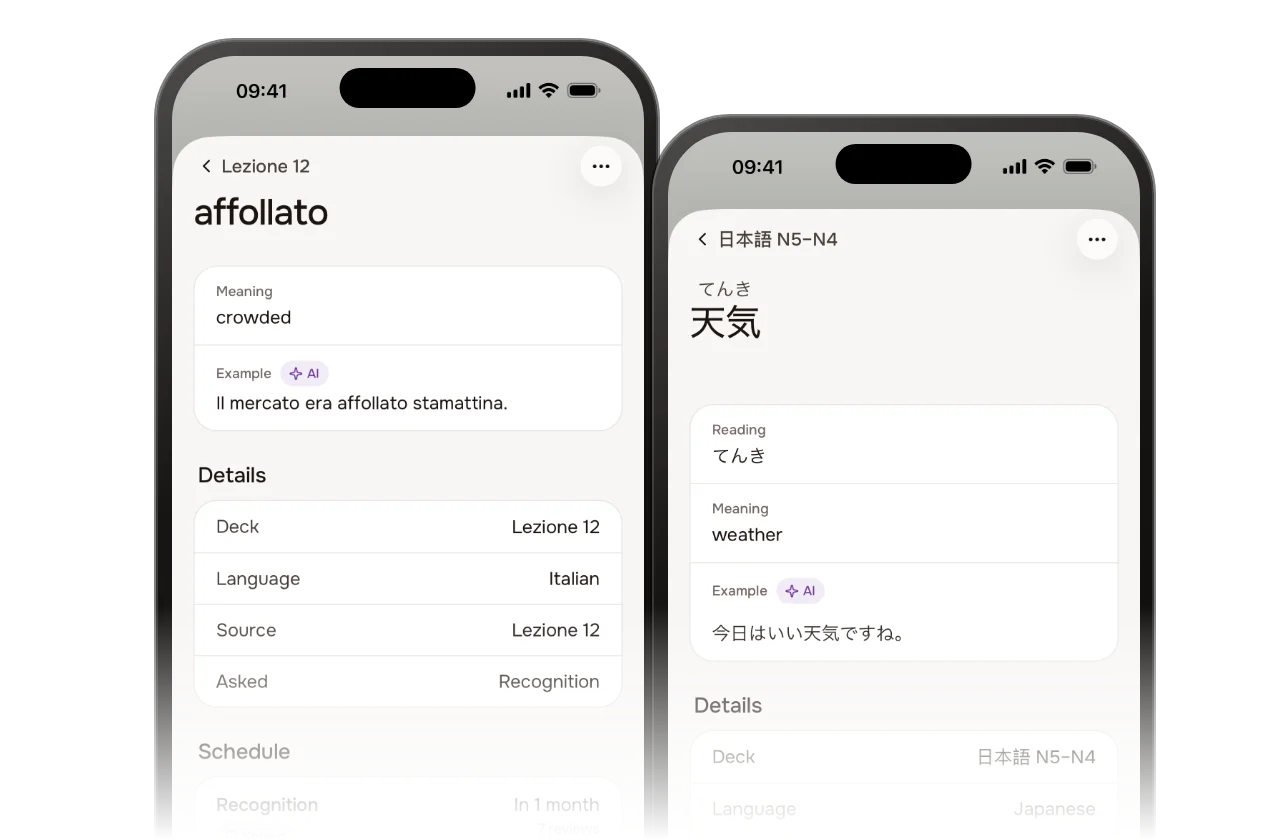
Type a term, and AI fills the empty fields with a meaning and an example. Each field AI writes is marked, and you can edit it.
Take a photo of your notes, or choose a PDF, and Smart add finds the terms in it.
Japanese cards show furigana over the term. Chinese cards show pinyin, and Russian and Ukrainian cards show stress marks.
Lymi outside the app
You don’t have to open Lymi to use it.
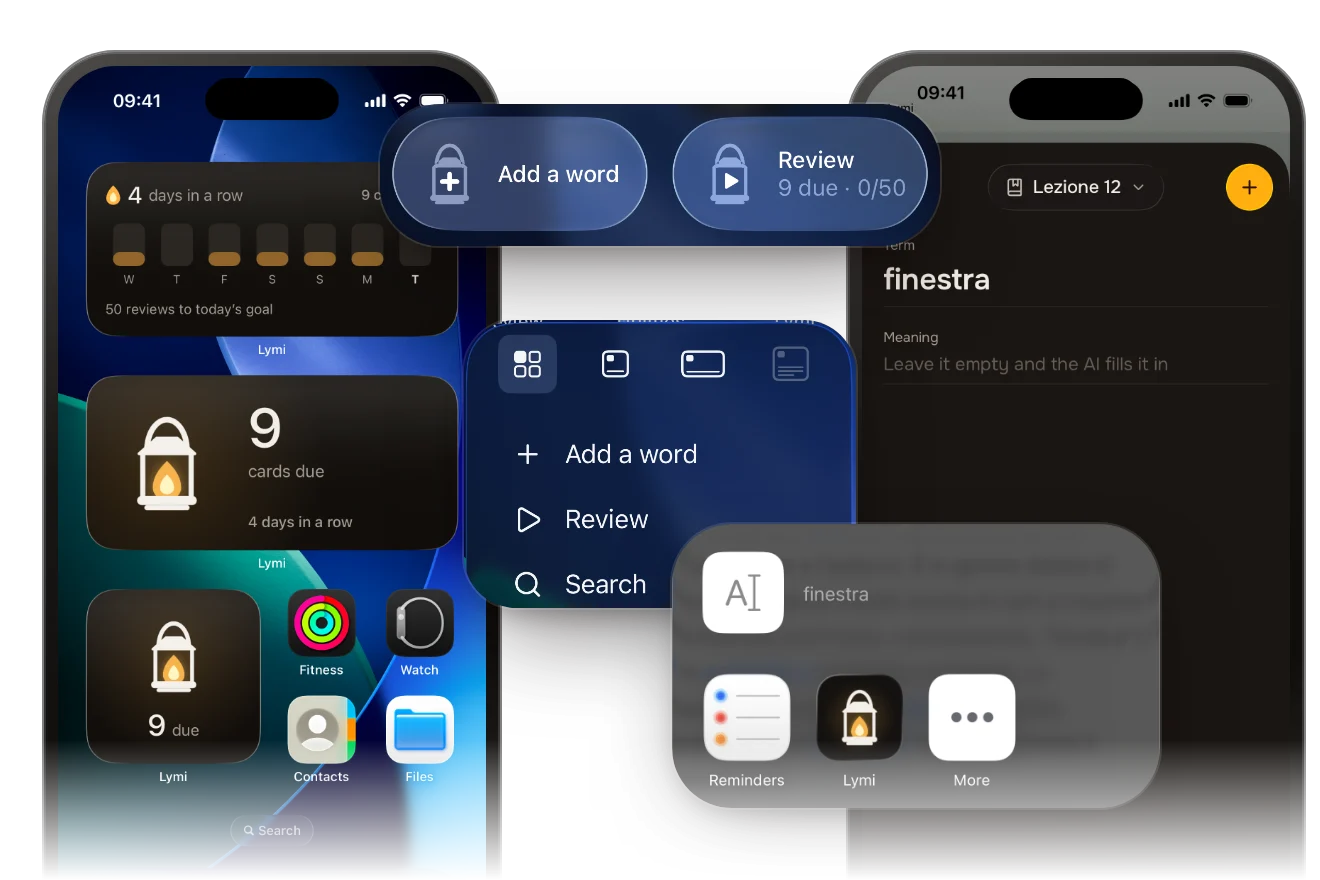
- Widgets: Lantern shows how many cards are due. Week shows your last seven days and what’s left of today’s goal. There’s also one for the Lock Screen.
- Controls: put Add a word or Review in Control Center, on the Lock Screen or on the Action button. Review shows what’s due.
- The app icon: press and hold it for Add a word, Review and Search.
- Sharing: select a word in Safari or another app and share it to Lymi. It goes into the deck you choose, and AI can fill in the rest.
- Siri and Shortcuts: say “Add a word to Lymi”, or use Add a card in Shortcuts to save a card without opening the app.
Your decks on your phone
Library has all your decks, and you can group them into series. A shared deck gets new cards as its owner adds them. In Explore, you can add a ready-made deck.
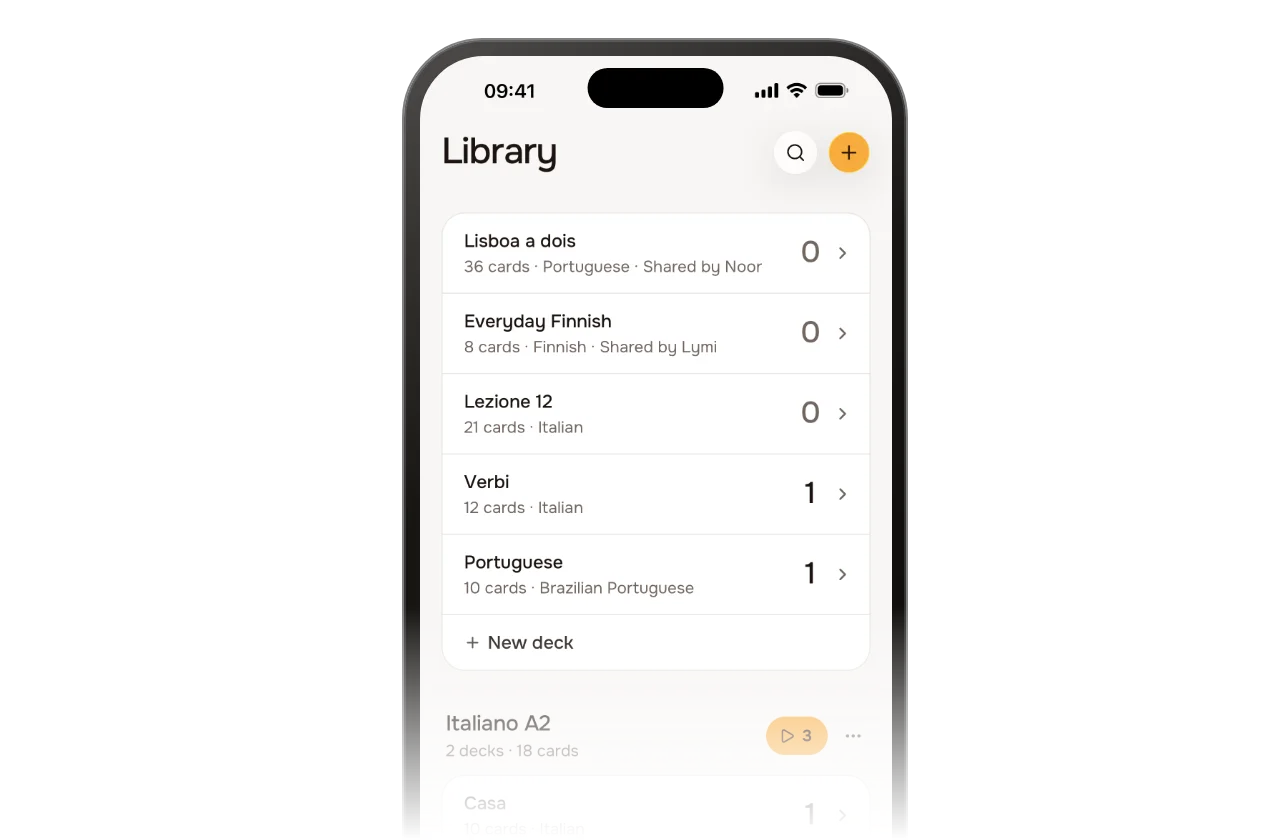
You can also import decks from Anki, Mochi, Quizlet or Noji.
Keep a daily rhythm
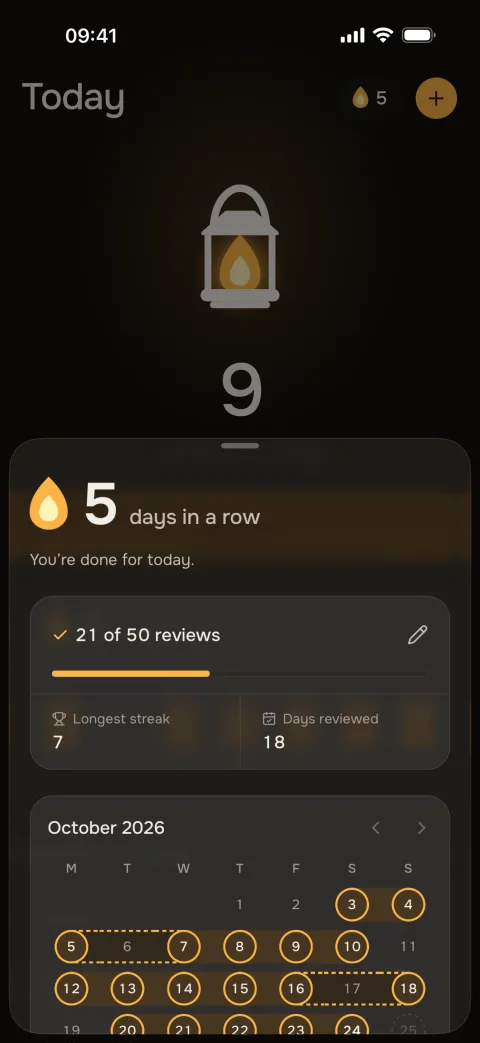
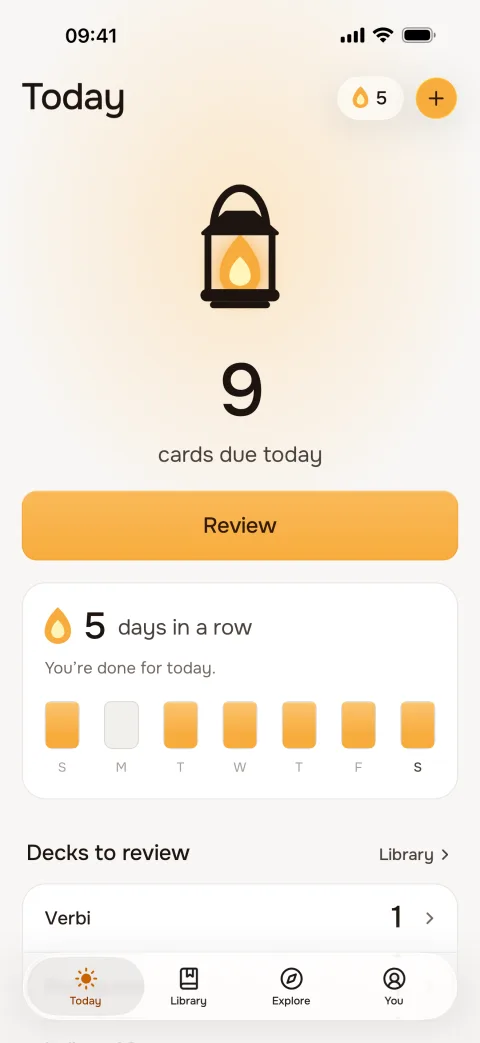
Today shows how many cards are due and how many days in a row you’ve reviewed. At the end of a review, Lymi offers a daily reminder. You can turn it on or off later with Remind me to review in You.
The same decks everywhere
Your cards and progress are the same on your iPhone, at my.lymi.app and in Lymi for Mac.